

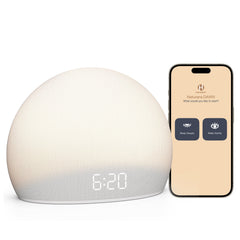
Housbay Dawn


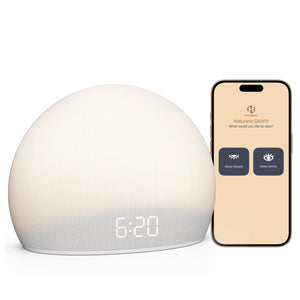
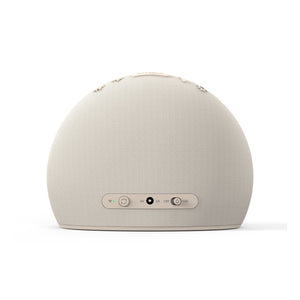
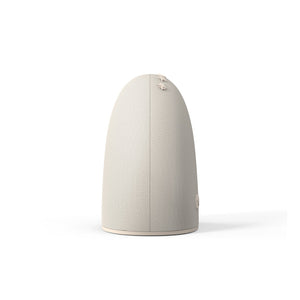
Housbay Dawn
Overview & Specs
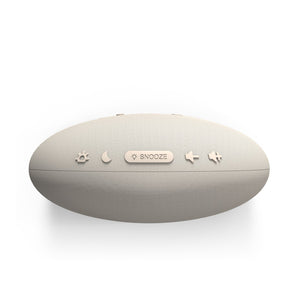
Dawn is a sleep clock with sleep sounds for bedtime and a gradual wake-up process for the morning.
Choose from 8 wake-up scenes with layered natural soundscapes. Sunrise light gradually brightens for 5–30 minutes before your alarm, followed by a gentle follow-up if needed.
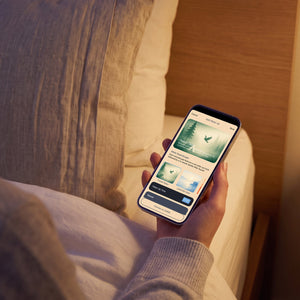
Use the free app to choose your sleep sounds, wake-up scene, light and schedules. Once saved, your everyday sleep and wake settings stay ready on Dawn.
Includes Dawn clock, power adapter, and quick-start guide.
Dimensions: 6.69" W × 5.31" H (170 × 135 mm) | Weight: 13.76 oz (390 g).
Free App. No Subscription
Use the free HOUSBAY app to customize your sleep sounds, wake-up scene, light and schedules.
Once your settings are saved, Dawn keeps your everyday sleep and wake routine ready at the bedside.
No subscription required.
30-Night Risk-Free Trial
Try Dawn in your own bedroom for 30 nights.
Use the sleep sounds at bedtime and experience the gradual sunrise light and wake-up sounds in the morning.
If Dawn is not the right fit for you, return it within 30 nights.
Wake up without a jarring alarm
Let sunrise light and natural soundscapes ease you into the morning.

Wind down with sleep sounds. Wake up more gently Wind down with sleep soundsWake up more gently
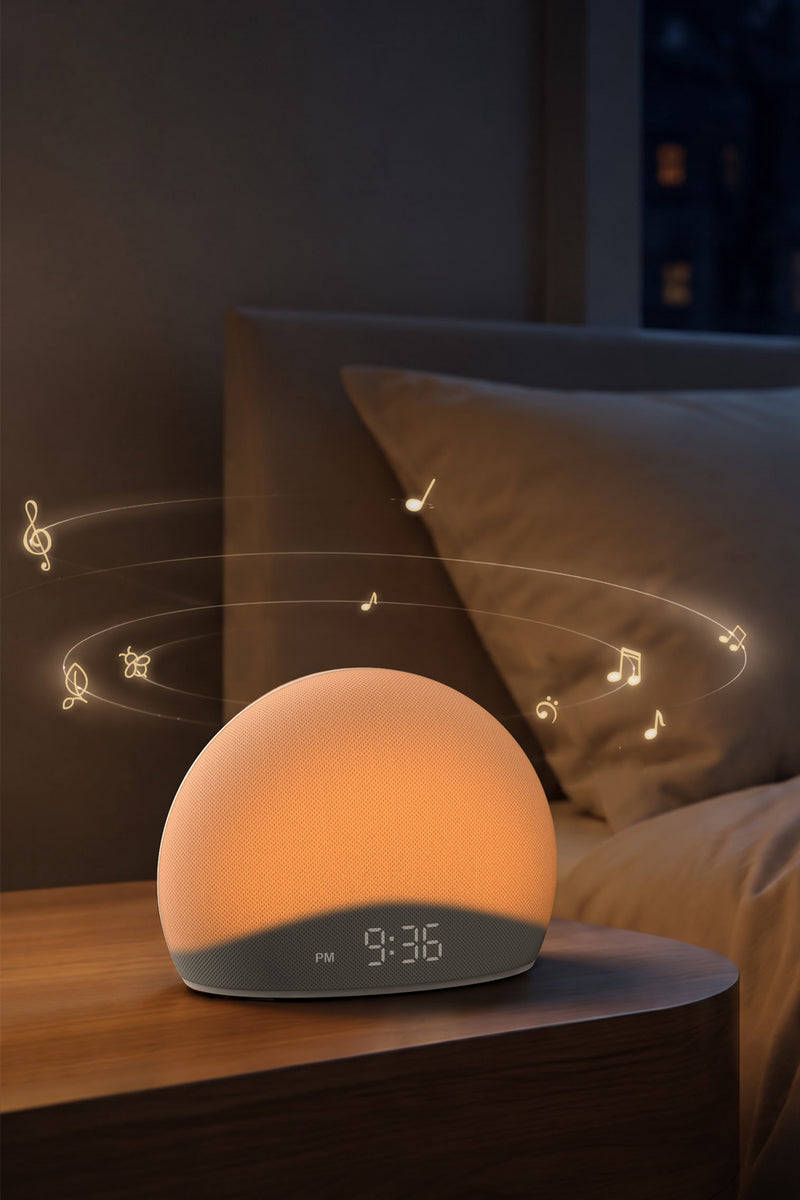
Wind down with sleep sounds
Choose a sleep sound for bedtime and start your night with a sound environment you enjoy.
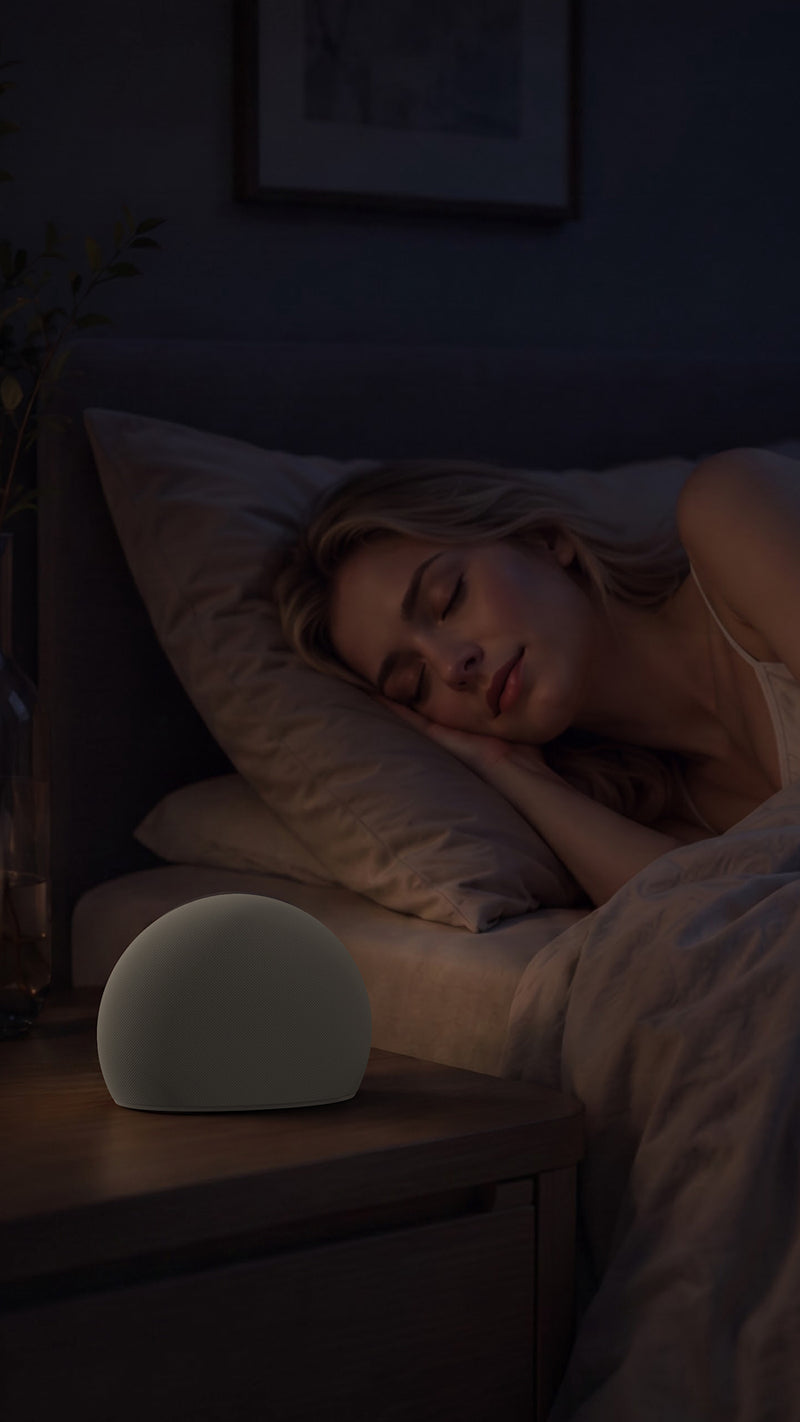
Keep sleep sounds playing as you need
Set a timer or choose continuous playback for the sound environment you prefer overnight.
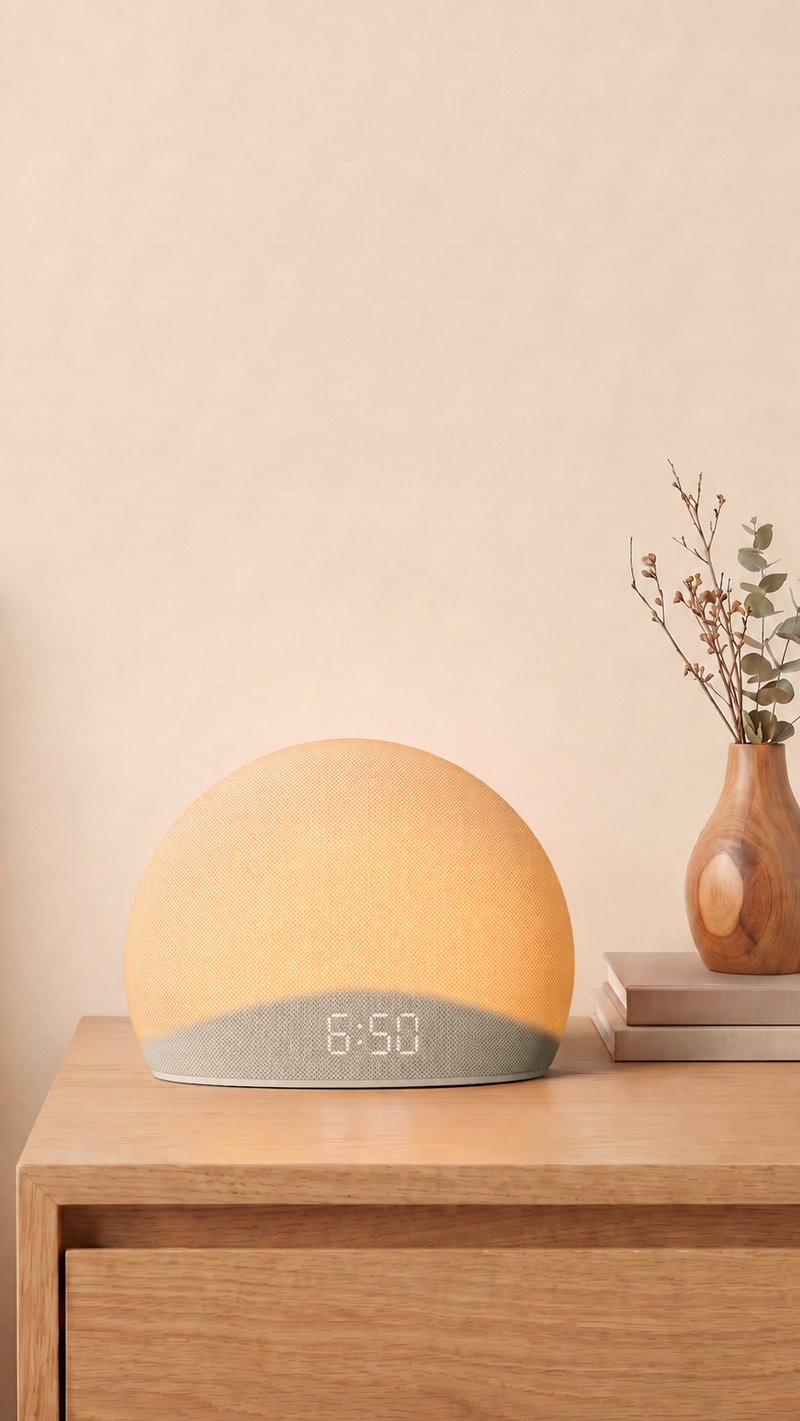
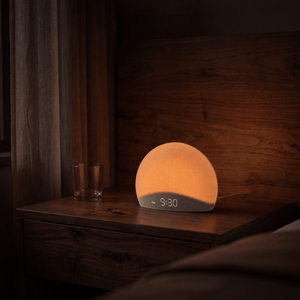
Wake with a gradual sunrise
Sunrise light gradually brightens for 5–30 minutes before your alarm.
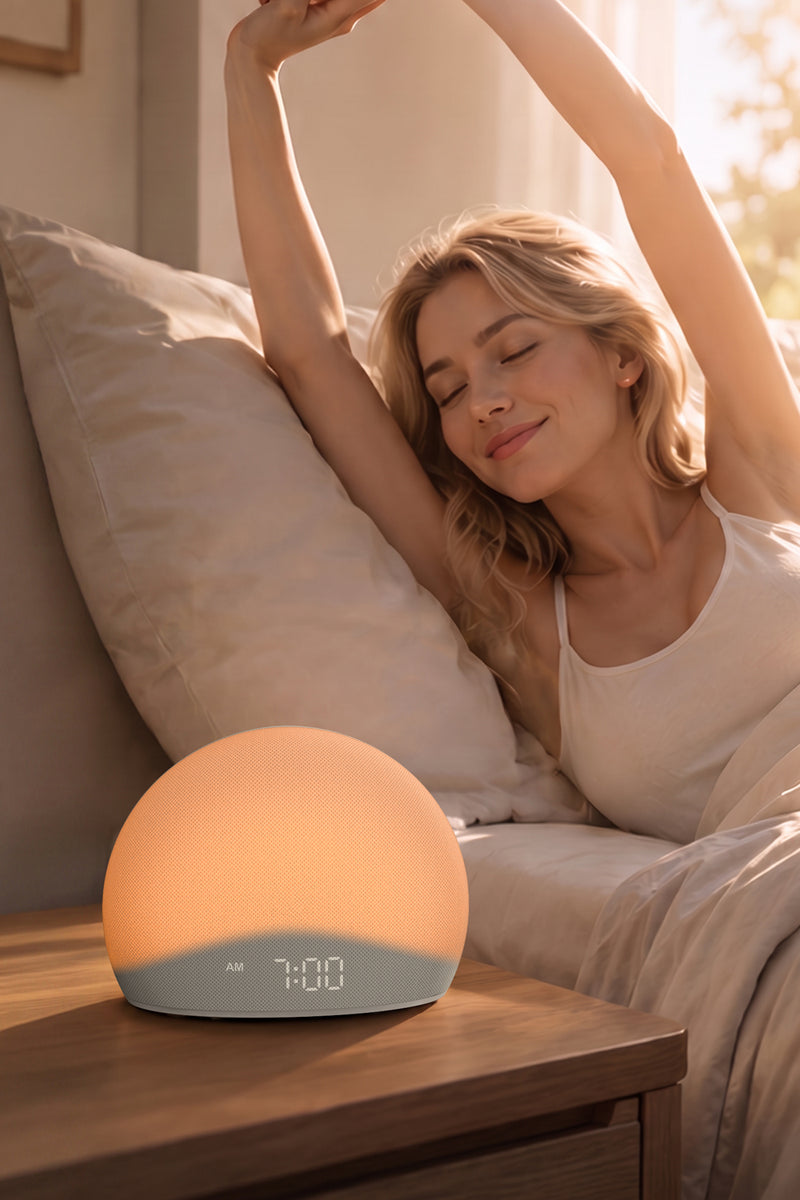
Wake up more gently
Layered natural soundscapes enter after the light, followed by a gentle reminder if you need it.
Your sleep and wake routineReady at the bedside
Set it once in the app. Dawn runs your routine directly from the clock.
Set up your routine in the app
Choose your sleep sounds, wake-up scene, light and schedules in the free app.
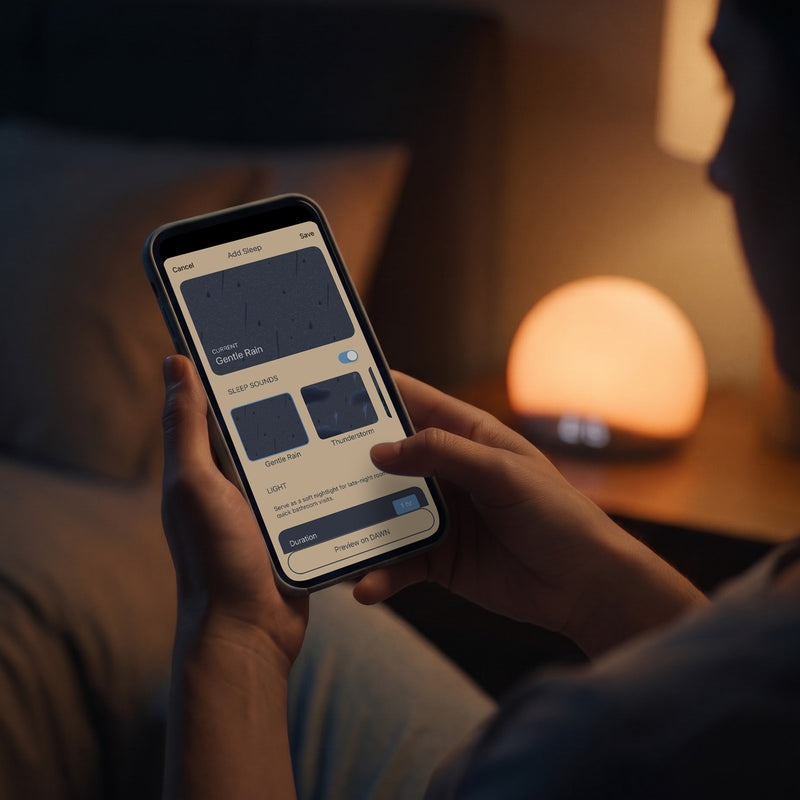
Start sleep sounds at bedtime
Start your chosen sleep sound directly from the clock when you are ready for bed.

Keep sleep sounds playing
Use a timer or continuous playback for the sound environment you prefer overnight.

Gradual sunrise light
Light slowly brightens before your alarm for a gentler transition into morning.
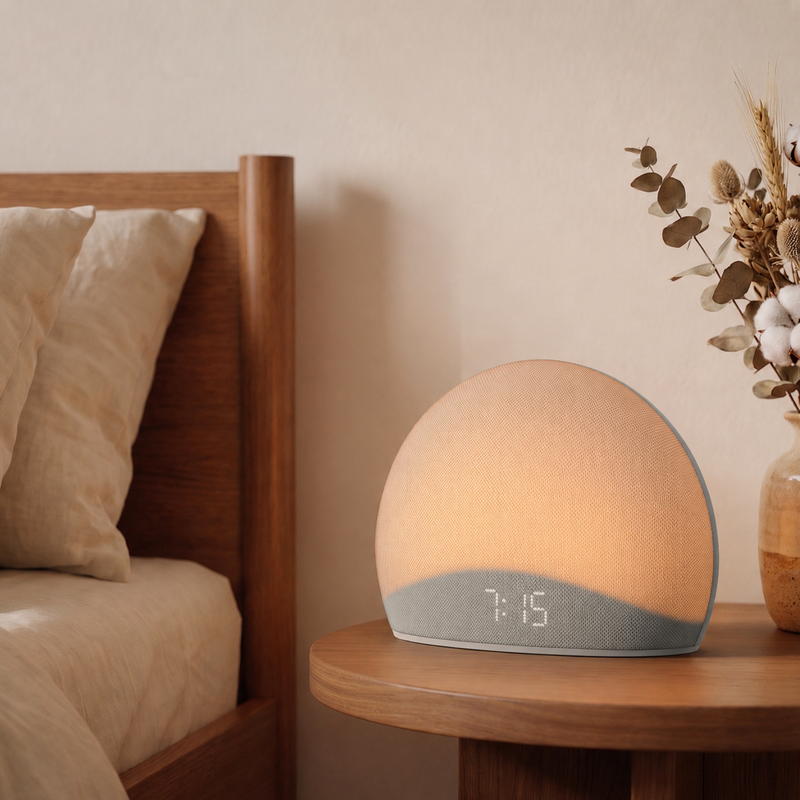
Wake with light and sound
Layered natural soundscapes follow the sunrise light, with a gentle follow-up if needed.
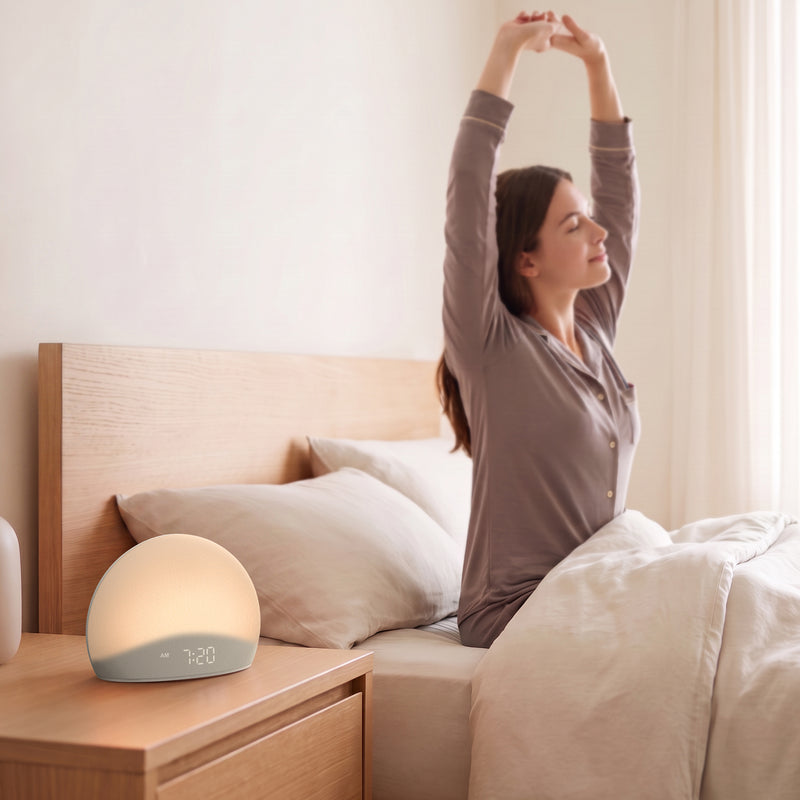
Set up your sleep and wake routines
Easy to reach when you are barely awake
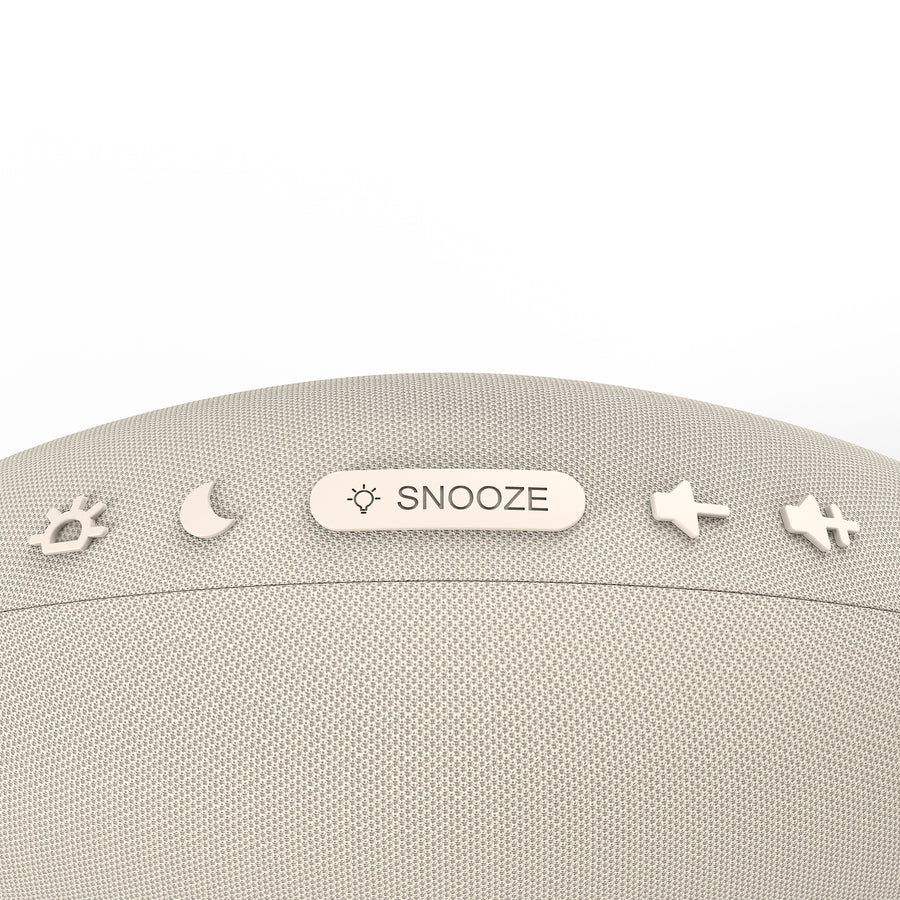
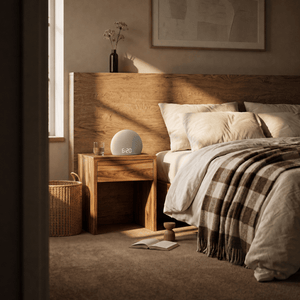
Made for the bedside
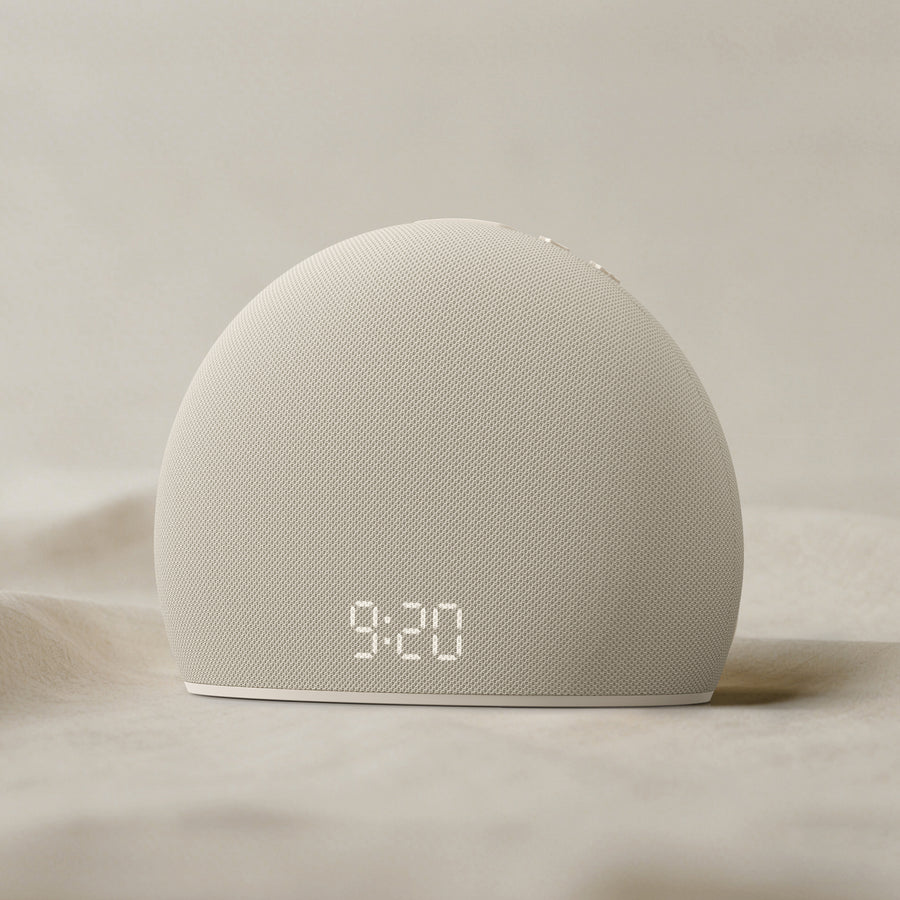
A thoughtful gift for gentler mornings
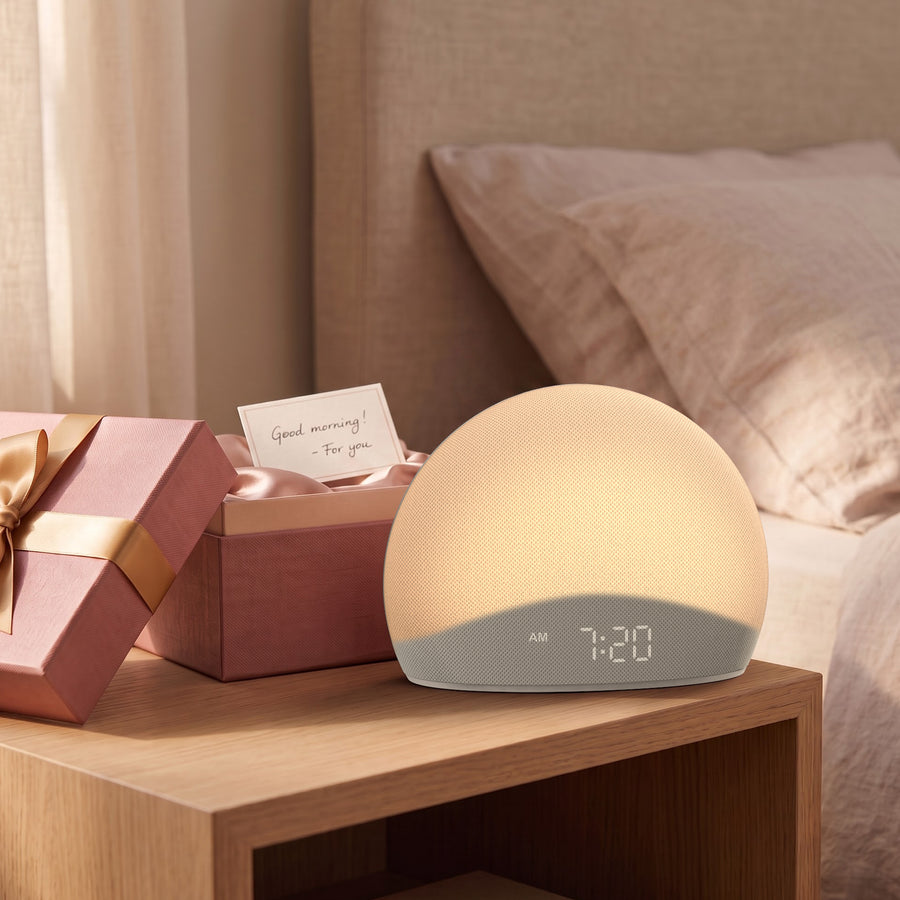
Bring a gentler wake-upto your bedside
FAQs
Will Dawn actually wake me up?
Dawn is designed to make waking up more gradual while still following the alarm you set. Sunrise light begins to brighten 5–30 minutes before your wake-up time. At the set time, your selected natural soundscape begins, followed by a gentle follow-up if needed.
Do I need the app to use Dawn?
No. The Tuya app is only needed for setup and customization---no subscription required. Once your routine is saved, Dawn can work independently without your phone.
Can I use Dawn without keeping my phone in my bedroom?
Yes. Once your settings are saved, Dawn can run your everyday sleep sounds and alarm routine without keeping your phone by the bed or connected all the time.
How long does the sunrise light last?
You can set the sunrise light to gradually brighten for 5–30 minutes before your alarm time.
Can sleep sounds play on a timer or continuously?
Yes. You can set sleep sounds on a timer or choose continuous playback, depending on how you prefer to use them overnight.
Does Dawn need to stay plugged in?
Yes. Dawn is designed as a dedicated bedside clock and stays plugged in using the included power adapter.
What if Dawn is not right for my bedroom?
Try Dawn in your own bedroom for 30 nights. If it is not the right fit for you, return it within 30 nights.